Setting up and running tests
Tests are implemented using NUnit 3.
Visual Studio
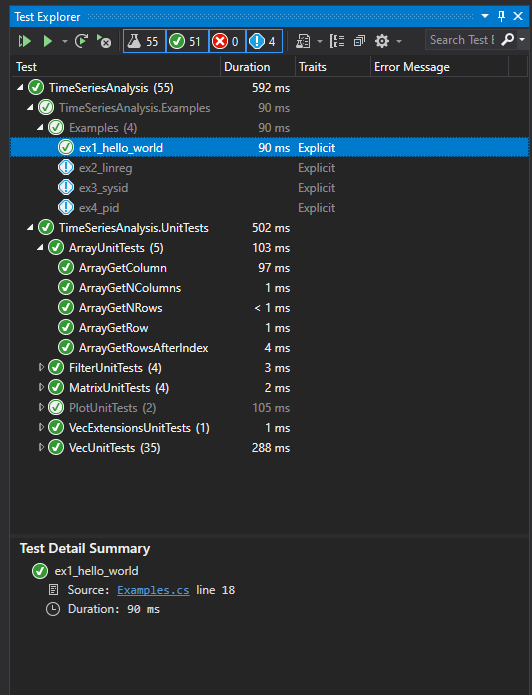
In Visual Studio you should be able to browse the unit tests in the window Tests>>Test Explorer. In the Test Explorer window, pressing Run All tests should cause
all tests to turn green.
In some cases, it may be that the tests appear grayed or or with a blue exclamation point beside them. That indicate an issue with the installation of the Nunit3TestAdapter
package through NuGet, which is required for integration NUnit with Visual Studio.
VS Code
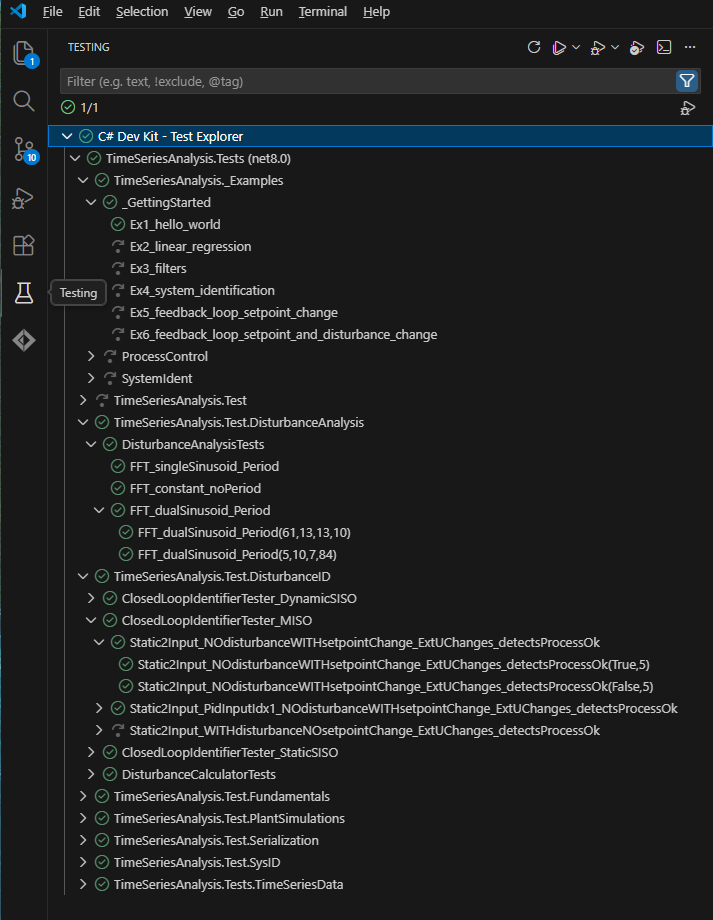
VS code should be able to recognize the unit tests as long as the #C# Dev Kit is installed, and should look similar to below: